
Plan and Implement Office 365
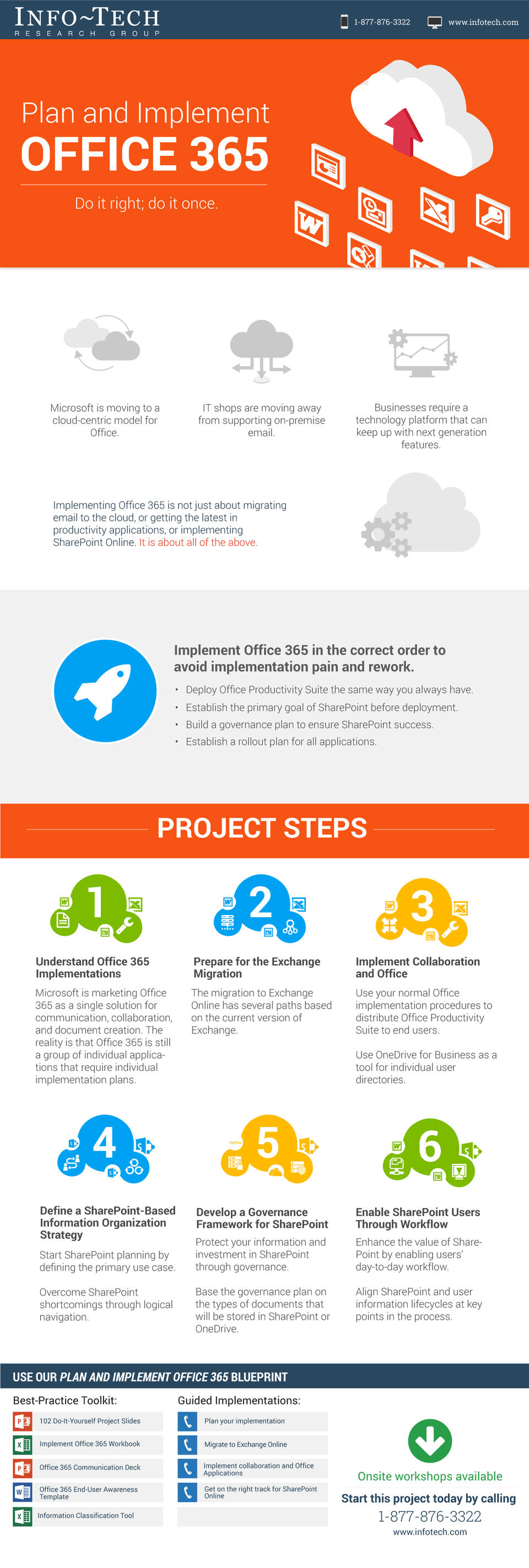
Implementing Office 365 is not just about migrating email to the cloud, or getting the latest in productivity applications, or implementing SharePoint Online. It is about all of the above.
- Organizations are faced with the decision to move Microsoft Exchange, Office, and SharePoint deployments to the cloud through the implementation of Office 365.
- Microsoft’s push for Office 365 is complicating on-premise and hybrid deployment models of Exchange and SharePoint.
Our Advice
Critical Insight
- Matching each user’s needs to the correct licensing scheme is difficult and time consuming. Microsoft’s marketing materials are unclear about which services are included in each version of Office 365.
- Office 365 is its own ecosystem with improved integration between services. Hybrid deployments require a significant increase in work for compatibility and ease of use for end users.
Impact and Result
- Assess the needs of users in workgroups and departments.
- Deploy the needed Office modules to each employee without overspending.
- Create a deployment strategy to roll out Office 365.
- Create a governance strategy to manage the deployment and continued use of Office 365.
About Info-Tech
Info-Tech Research Group is the world’s fastest-growing information technology research and advisory company, proudly serving over 30,000 IT professionals.
We produce unbiased and highly relevant research to help CIOs and IT leaders make strategic, timely, and well-informed decisions. We partner closely with IT teams to provide everything they need, from actionable tools to analyst guidance, ensuring they deliver measurable results for their organizations.
What Is a Blueprint?
A blueprint is designed to be a roadmap, containing a methodology and the tools and templates you need to solve your IT problems.
Each blueprint can be accompanied by a Guided Implementation that provides you access to our world-class analysts to help you get through the project.
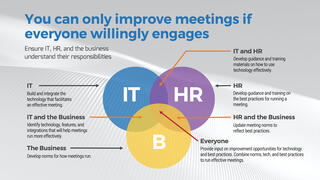 Run Better Meetings
 Rationalize Your Collaboration Tools
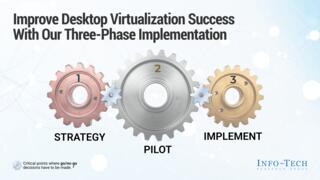 Implement Desktop Virtualization and Transition to Everything as a Service
 Establish a Communication and Collaboration System Strategy
 Build a Digital Workspace Strategy
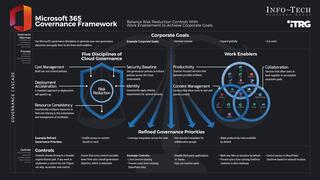 Govern Microsoft 365
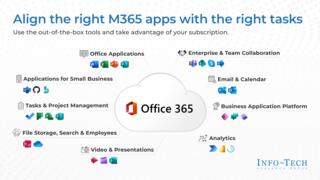 Create a Post-Implementation Plan for Microsoft 365
 Microsoft Teams Cookbook
 2020 Enterprise Collaboration Tools: Market Trends and Buyer’s Guide
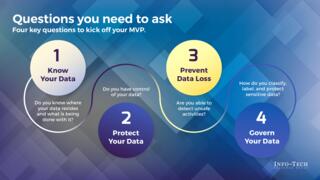 Build a Minimum Viable Product for Data Classification With Microsoft 365
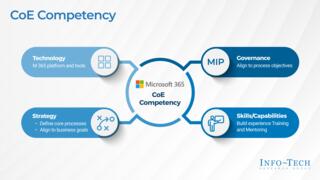 Drive Ongoing Adoption With an M365 Center of Excellence
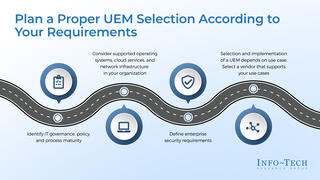 Endpoint Management Selection Guide
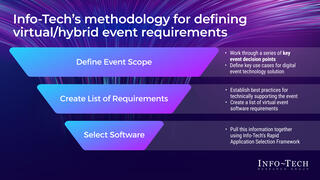 Define Your Virtual and Hybrid Event Requirements
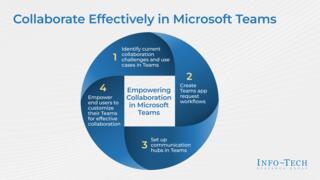 Collaborate Effectively in Microsoft Teams
