
GRC Software Selection Guide
Outdated GRC tools create risk – selecting the right integrated GRC tool is how you stop it.
Traditional governance, risk, and compliance (GRC) approaches are no longer effective in today’s complex and evolving risk landscape. Organizations are turning to modern, integrated GRC platforms to reduce exposure and boost resilience. Yet, many struggle to find the right fit in a crowded and complex market. This comprehensive software selection guide helps your organization take a strategic inward look at your unique GRC needs – before you engage with vendors.
AI’s impact on GRC has been double-edged – it has amplified risk and introduced new regulatory challenges while also enabling smarter integrated GRC capabilities. Organizations must balance that dual reality while also being clear about their internal needs, or risk locking into GRC tools that don’t serve them. IT and risk leaders must collaborate with stakeholders across the organization to define GRC goals, strategy, and requirements, then pursue vendors whose offerings align with that foundation.
1. Legacy tools are a liability.
As regulatory demands grow more complex and interconnected, organizations still relying on spreadsheets or siloed manual systems are exposing themselves to unnecessary risk – and actually introducing new risk by limiting visibility, scalability, and responsiveness.
2. Know your needs before you shop.
Legacy GRC tools can’t keep pace with today’s challenges – but rushing toward modern alternatives risks locking into a costly misfit. A well-defined understanding of your GRC needs is essential before beginning the vendor search.
3. The details are the differentiator.
Most GRC platforms deliver similar core functionality – what distinguishes them is how they deliver it. Focus on differentiators around usability, implementation effort, support, AI-driven features, and overall integration with your environment.
Use this step-by-step buyers guide to select the right GRC for your organization
Our research offers practical insights and tools, including a high-level overview of 10 vendors and scenario-based analysis of vendors across several GRC spaces, to help you define your GRC requirements and assess vendor offerings with clarity. Use this practical framework to select an integrated GRC platform that aligns with your organization’s needs, goals, and maturity level.
- Contextualize the GRC landscape to understand the benefits of GRC tools, explore GRC trends, and understand your own GRC needs and goals.
- Select the right GRC vendor by defining key questions, making a needs-based shortlist, and booking demos with chosen vendors.
INFO~TECH RESEARCH GROUP
GRC Software Selection Guide
Outdated GRC tools create risk – selecting the right integrated GRC tool is how you stop it.
Analyst perspective
Organizations are faced with the unenviable task of dealing with growing uncertainty, complexity, and actively evolving risks driven by rapidly changing global dynamics and extended by rapid emergence and growth in the development and use of AI.
Most risk management approaches are linear, based on traceable cause and effect and performed using manual processes and spreadsheets. The implementation and adoption of GRC and related tools has been limited.
Emerging risks are neither linear nor easily traceable, making the use of governance, risk, and compliance (GRC) tools essential to manage the scale, complexity, and velocity of modern risks. They dramatically extend the range of risk capability, create an integrated and dynamic view of your risk landscape, and provide automation and AI-driven functionality that is crucial for the road ahead.
They will help organizations move toward better handling of new risks and enable resilient organizations

Valence Howden
Advisory Fellow,
Info-Tech Research Group
Executive Summary
Your Challenge
- Risks are increasingly interconnected and complex and are no longer isolated events. This complexity hinders organizations’ ability to respond dynamically, which is the need of the hour.
- Embedding GRC into everyday operations, systems, and real-time decision-making is vital in today’s dynamic landscape of evolving and interconnected risks, increasing complexity, and emerging technologies.
- Without it, organizations aren’t just unprepared, they actively introduce risk into their processes.
Common Obstacles
- Despite the growing complexity of risks and the accelerating pace of change, many organizations still rely on siloed and outdated tools — like spreadsheets — to manage GRC.
- Choosing the right GRC tool is a challenge in itself. With a crowded market of solutions, selecting a GRC platform that aligns with an organization’s needs can be challenging.
- A poor fit on the chosen tool can lead to underutilization, increased complexity, and missed opportunities.
Info-Tech’s Approach
- Determine what exactly you require from your GRC software based on your GRC goals, strategy, and needs. A GRC tool is not a one-size-fits-all solution.
- Drive GRC software selection by not only the tool’s features but also its capabilities.
- Integrate your GRC software seamlessly with other systems in your organization. Your GRC solution should be part of a wider ecosystem, not isolated.
Info-Tech Insight
Most modern GRC tools offer similar core functionality, with differentiation coming from ease of implementation, user experience, AI capabilities, and pricing.
Info-Tech’s methodology for selecting the right GRC tool
1. Contextualize the GRC landscape. |
2. Select the right GRC vendor. |
|
Phase steps |
|
|
Phase outcomes |
|
|
Guided Implementation
A Guided Implementation (GI) is a series of calls with an Info-Tech analyst to help implement our best practices in your organization.
The GRC selection process should be broken into segments:
- GRC vendor shortlisting with this buyers guide.
- Structured approach to selection.
What does a typical GI on this topic look like?
Phase 1 |
Phase 2 |
| Call #1: Understand what a GRC tool is and discover the “art of the possible.”
Call #2: Understand and define your goals and needs in the GRC landscape. |
Call #3: Evaluate the GRC landscape and shortlist viable options.
Call #4: Define your key GRC requirements/capabilities, develop key questions based on your requirements and needs, and book demos. Call #5: Discuss negotiation with selected vendor. |
Info-Tech offers various levels of support to best suit your needs
DIY Toolkit |
Guided Implementation |
Workshop |
Consulting |
| “Our team has already made this critical project a priority, and we have the time and capability, but some guidance along the way would be helpful.” | “Our team knows that we need to fix a process, but we need assistance to determine where to focus. Some check-ins along the way would help keep us on track.” | “We need to hit the ground running and get this project kicked off immediately. Our team has the ability to take this over once we get a framework and strategy in place.” | “Our team does not have the time or the knowledge to take this project on. We need assistance through the entirety of this project.” |
Diagnostics and consistent frameworks are used throughout all four options. |
|||
GRC Software Selection Guide
Outdated GRC tools create risk – selecting the right integrated GRC tool is how you stop it.
EXECUTIVE BRIEF
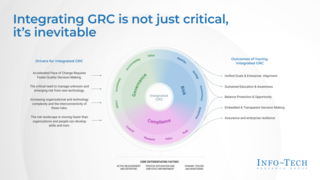
GRC stands for governance, risk, and compliance
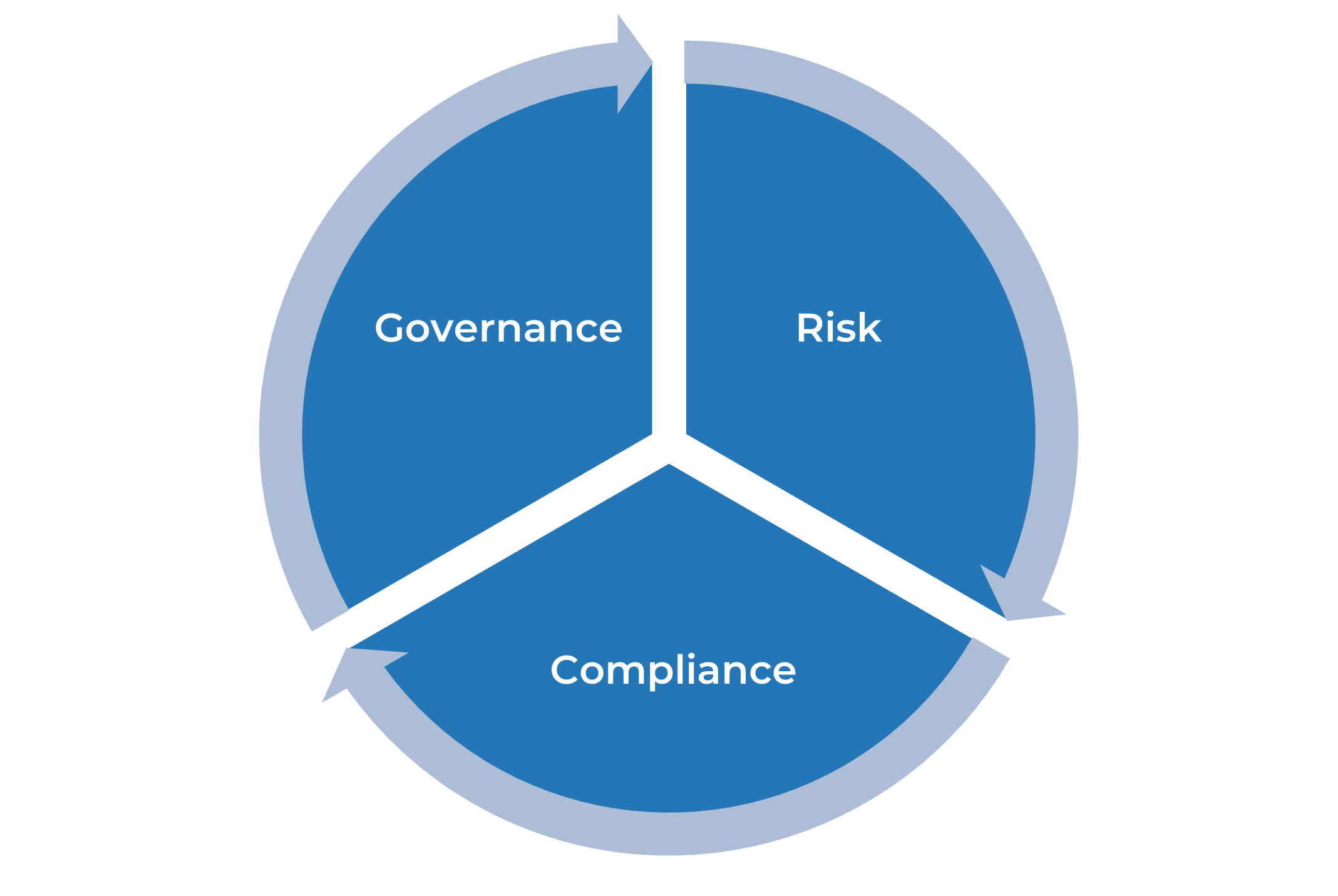
Governance sets the guardrails to ensure that the enterprise is in alignment with standards, regulations, and board decisions. A governance framework will communicate rules and expectations throughout the organization and monitor adherence.
Risk is how the organization addresses or navigates uncertainty. It is an integral part of an organization’s processes and enables a structured decision-making approach.
Compliance is the process of adhering to a set of guidelines; these could be external regulations and guidelines or internal corporate policies.
Integrating GRC is not just critical, it’s inevitable
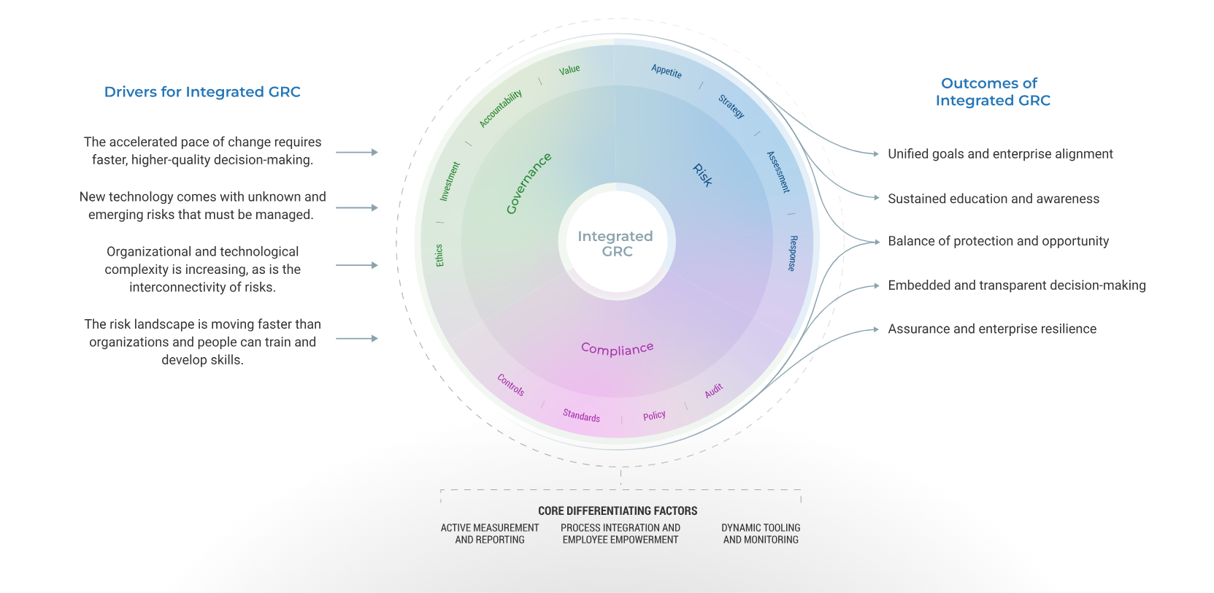
GRC existed before it had a name, evolving through integration and now enhanced by AI
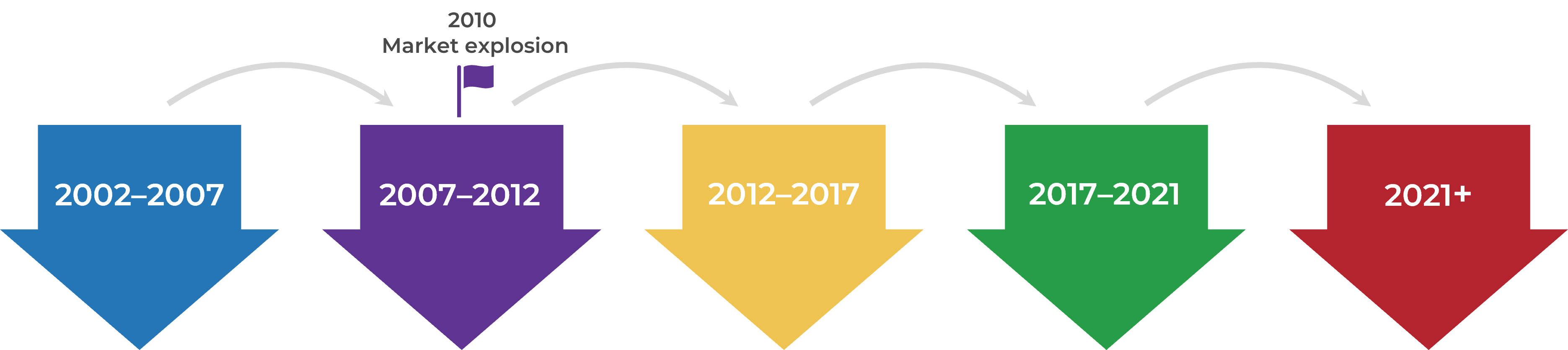
GRC 1.0 — SOX
- GRC acronym appears around 2002.
- The focus of GRC was on SOX compliance and internal controls, no broader enterprise-wide GRC view.
GRC 2.0 — Enterprise/integrated GRC
- GRC evolved into integrated platforms across departments but often lacked depth.
- The 2008 financial crisis showed the need for better risk management and governance, leading to a GRC software market explosion by 2010.
GRC 3.0 — GRC architecture
- Connected ecosystem of specialized tools integrated into central GRC hubs.
- GRC extended beyond back-office functions, engaging frontline users.
GRC 4.0 — Agile GRC
- Shifted to user-friendly, highly configurable platforms.
- Modern interfaces and flexible architectures emerged with visually intuitive designs.
GRC 5.0 — Cognitive GRC
- Artificial intelligence, machine learning, and natural language processing began enhancing GRC.
Today, legacy tools fall short in effective GRC
- 72% of GRC professionals say their risk management capabilities haven’t kept pace with the world. (Source: SPRINTO, 2024)
Simple tools do not match risk complexity
Manually managing today's complex risks becomes impossible without the appropriate technology due to time constraints and limited capabilities. - 62% of organizations say their audit evidence-gathering process is at least occasionally error-prone. (Source: Help Net Security, 2025)
Prone to human error
Manual inputs make simple tools like spreadsheets prone to errors, which can lead to significant risks. - 85% of data leaders admit that making decisions with outdated data has directly cost their companies money. (Source: IBM, 2025)
No real-time data
Simple tools lack real-time updates and accessibility, which can result in delayed risk awareness and response. - 70% of organizations with data silos suffered a breach in the past two years. (Source: Reltio, 2025)
Lack of traceability and consistency
Multiple versions of spreadsheets or simple tools, without the ability to trace back changes, can be used by different parties, leading to inconsistencies. - 86% of organizations report that data silos negatively impact risk management. (Source: AuditBoard, 2024)
No integration
While risks do not exist in isolation, most spreadsheets or simple tools do. Managing complex risks requires integration between GRC and other systems.
A GRC tool offers an integrated view of governance, risk, and compliance across an organization
GRC software provides an integrated, overall view of an organization’s governance, risk, and compliance activities in order to minimize financial, legal, and other liabilities. Together, they provide a coordinated approach and ensure that the organization is managing its risk factors and is compliant with all laws and regulations under which it operates.
Essential capabilities to look for when selecting your GRC software:
- Enterprise risk management
- Operational risk management
- Compliance and audit management
- Third-party/vendor risk management
- Incident management and remediation
- Policy management
- Workflow management
- Reporting and dashboards
Info-Tech Insight
GRC tools are essential for navigating today’s complex risk and compliance environments — legacy tools aren’t enough. But selecting the right solution depends entirely on your organization’s goals. Ask key questions such as: What are you trying to solve? What’s critical to your business? The best-fit tool is the one that aligns with your specific needs.
Using an integrated GRC tool will enable your organization in ways that exceed human abilities
- Shifting beyond an Excel-based risk register can seem daunting, especially as that has been the industry norm for several decades.
- However, a tool-based approach to integrated GRC can help you realize core benefits including:
- Creating awareness of intersectional risks and how their likelihood or severity changes due to their intersections.
- Increasing speed to assess and respond to various risks or compliance requirements when making informed decisions with real-time risk analysis.
- Enabling continuous compliance against regulations that are constantly changing and evolving.
- Actively testing, validating, and adjusting controls in real time.
- Generating predictive scenarios and risks that humans do not have the capacity to identify or assess.
- Supporting dynamic simulations and the clarity of risk severity and likelihood.
GRC Software Selection Guide
Key trends to watch in the GRC landscape.
Key trends to watch in the GRC landscape
- Increasing complexity and uncertainty
- AI and other emerging technologies
- Aligning GRC with business goals
- Automation
- Sustainability and ESG
About Info-Tech
Info-Tech Research Group is the world’s fastest-growing information technology research and advisory company, proudly serving over 30,000 IT professionals.
We produce unbiased and highly relevant research to help CIOs and IT leaders make strategic, timely, and well-informed decisions. We partner closely with IT teams to provide everything they need, from actionable tools to analyst guidance, ensuring they deliver measurable results for their organizations.
What Is a Blueprint?
A blueprint is designed to be a roadmap, containing a methodology and the tools and templates you need to solve your IT problems.
Each blueprint can be accompanied by a Guided Implementation that provides you access to our world-class analysts to help you get through the project.
Need Extra Help?
Speak With An Analyst
Get the help you need in this 2-phase advisory process. You'll receive multiple touchpoints with our researchers, all included in your membership.
Guided Implementation 1: Contextualize the GRC landscape
- Call 1: Understand what a GRC tool is and discover the “art of the possible.”
- Call 2: Understand and define your goals and needs in the GRC landscape.
Guided Implementation 2: Select the right GRC vendor
- Call 1: Evaluate the GRC landscape and shortlist viable options.
- Call 2: Define your key GRC requirements/capabilities, develop key questions based on your requirements and needs, and book demos.
- Call 3: Discuss negotiation with selected vendor.
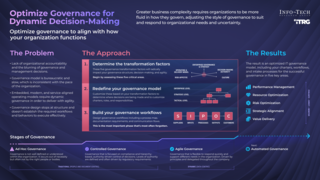 Optimize IT Governance for Dynamic Decision-Making
 Maximize Business Value From IT Through Benefits Realization
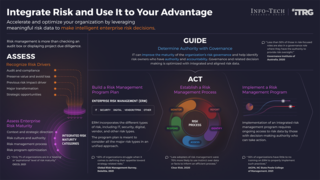 Build an IT Risk Management Program
 Review and Improve Your IT Policy Library
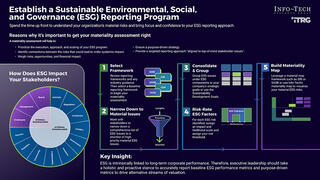 Establish a Sustainable ESG Reporting Program
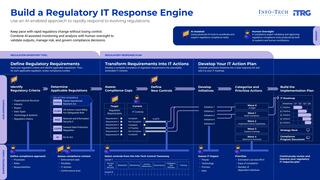 Build a Regulatory IT Response Engine
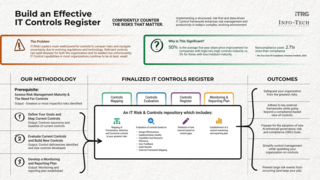 Build an Effective IT Controls Register
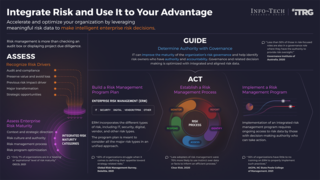 Integrate IT Risk Into Enterprise Risk
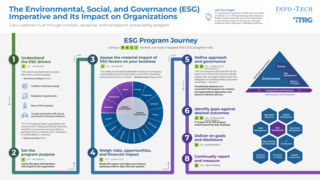 The ESG Imperative and Its Impact on Organizations
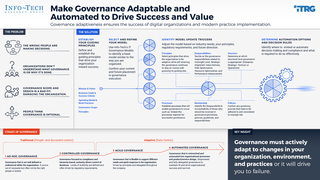 Make Your IT Governance Adaptable
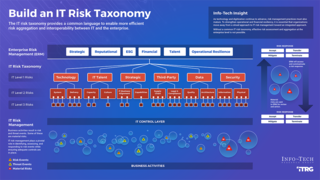 Build an IT Risk Taxonomy
 Prepare for AI Regulation
 Building the Road to Governing Digital Intelligence
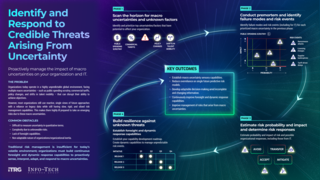 Identify and Respond to Credible Threats Arising From Global Uncertainty
 GRC Software Selection Guide
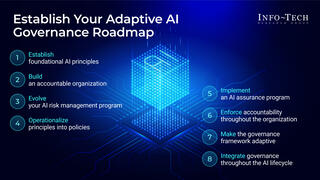 Establish Your Adaptive AI Governance Program: From Principles to Practice
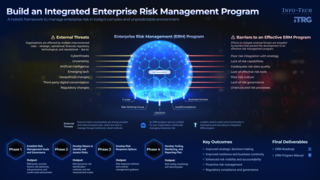 Build an Integrated Enterprise Risk Management Program
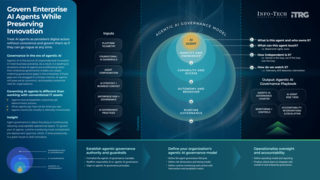 Govern Enterprise AI Agents While Preserving Innovation
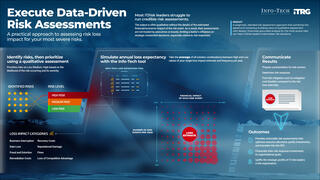 Execute Data-Driven Risk Assessments
