
Vendor Landscape: Desktop Virtualization
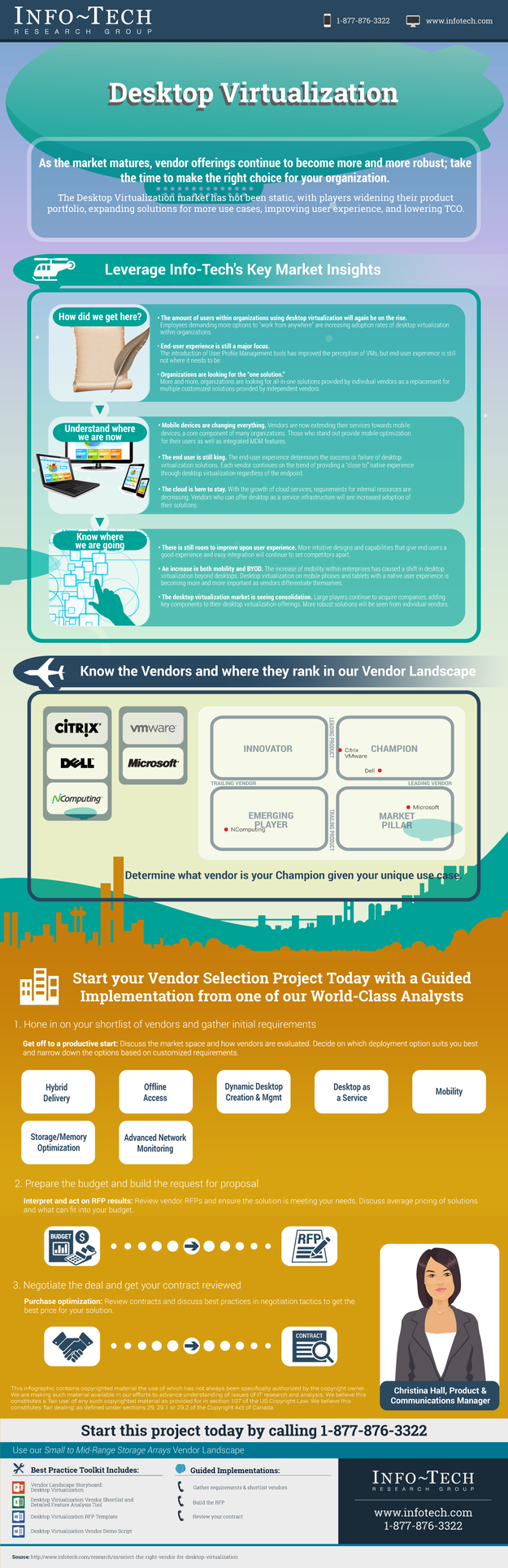
Vendor offerings are becoming more and more robust as the market matures; take the time to make the right choice for your organization.
- Organizations need to decide which desktop virtualization solution will integrate best with their existing infrastructure.
- Investments in desktop virtualization are not small; therefore, a solution which has features that fully support the organization and end users is important.
- Technology in this space is advancing rapidly. Obtain the facts on five different vendors in Info-Tech’s Vendor Landscape: Desktop Virtualization.
Our Advice
Critical Insight
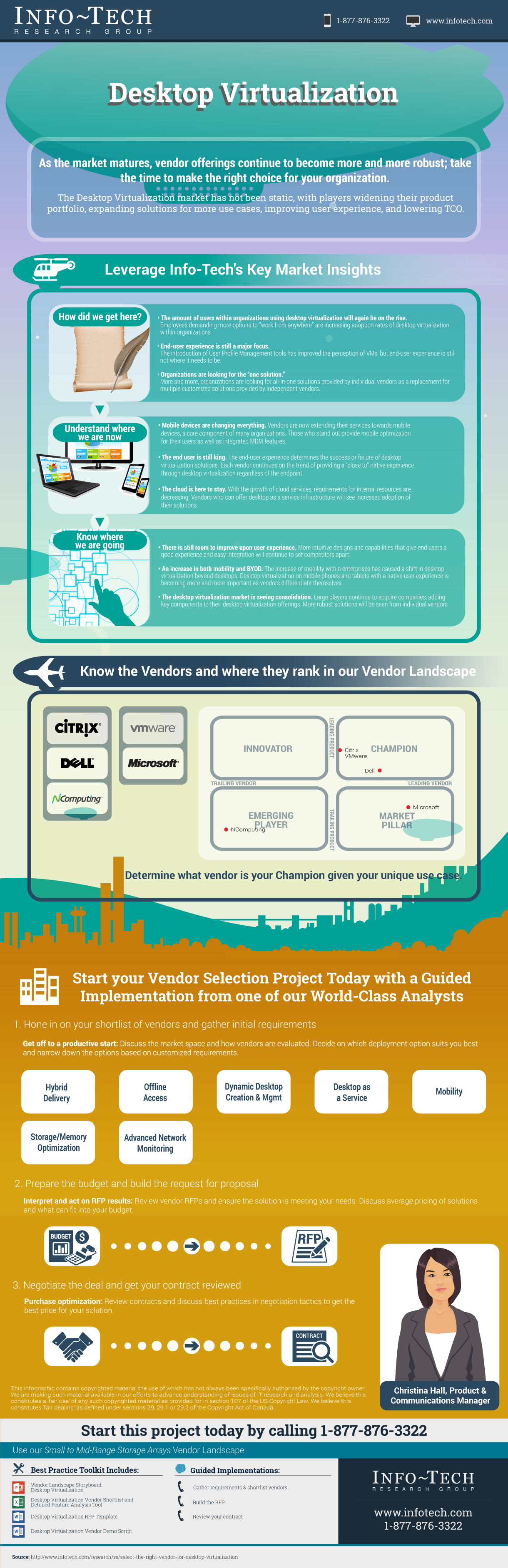
- Top vendors such as Citrix and VMware offer a full suite of desktop virtualization features, while other vendors are able to provide cheaper alternatives and unique solutions such as full, end-to-end virtualization.
- Mobility is key with top vendors able to not only provide desktop virtualization to a wide range of mobile devices, but optimization and MDM services as well.
- The end user is still king. The end-user experience determines the success or failure of desktop virtualization solutions. Each vendor continues on the trend of providing a “close to” native experience through desktop virtualization regardless of the endpoint.
- The cloud is here to stay. With the growth of cloud services, requirements for internal resources are decreasing. Vendors who can offer desktop as a service infrastructure will see increased adoption of their solutions.
Impact and Result
- When looking at desktop virtualization vendors, focus on the features that are offered more than the cost.
- Each vendor offers a unique solution of its own; select the one that best fits the needs of your organization.
About Info-Tech
Info-Tech Research Group is the world’s fastest-growing information technology research and advisory company, proudly serving over 30,000 IT professionals.
We produce unbiased and highly relevant research to help CIOs and IT leaders make strategic, timely, and well-informed decisions. We partner closely with IT teams to provide everything they need, from actionable tools to analyst guidance, ensuring they deliver measurable results for their organizations.
What Is a Blueprint?
A blueprint is designed to be a roadmap, containing a methodology and the tools and templates you need to solve your IT problems.
Each blueprint can be accompanied by a Guided Implementation that provides you access to our world-class analysts to help you get through the project.